ERP for co-operative societies and businesses in Sri Lanka
SSIPL ERP keeps a society's branches, members, staff and accounts in one system - from the shop counter to head office. Branches send their day's figures, head office checks and corrects them, and the monthly accounts come from the same records.
Works in Sinhala and English, on a computer or a phone.
SSIPL ERP in numbers
- LKR 2.5 bn+in sales recorded through the system
- 2 million+transactions processed
- 1,000+active users
- 25+businesses served
One system for the whole society
Each organization switches on the modules it uses. They share one set of branches, people and accounts, so a salary, a voucher or a day's sales is entered once and appears everywhere it belongs.
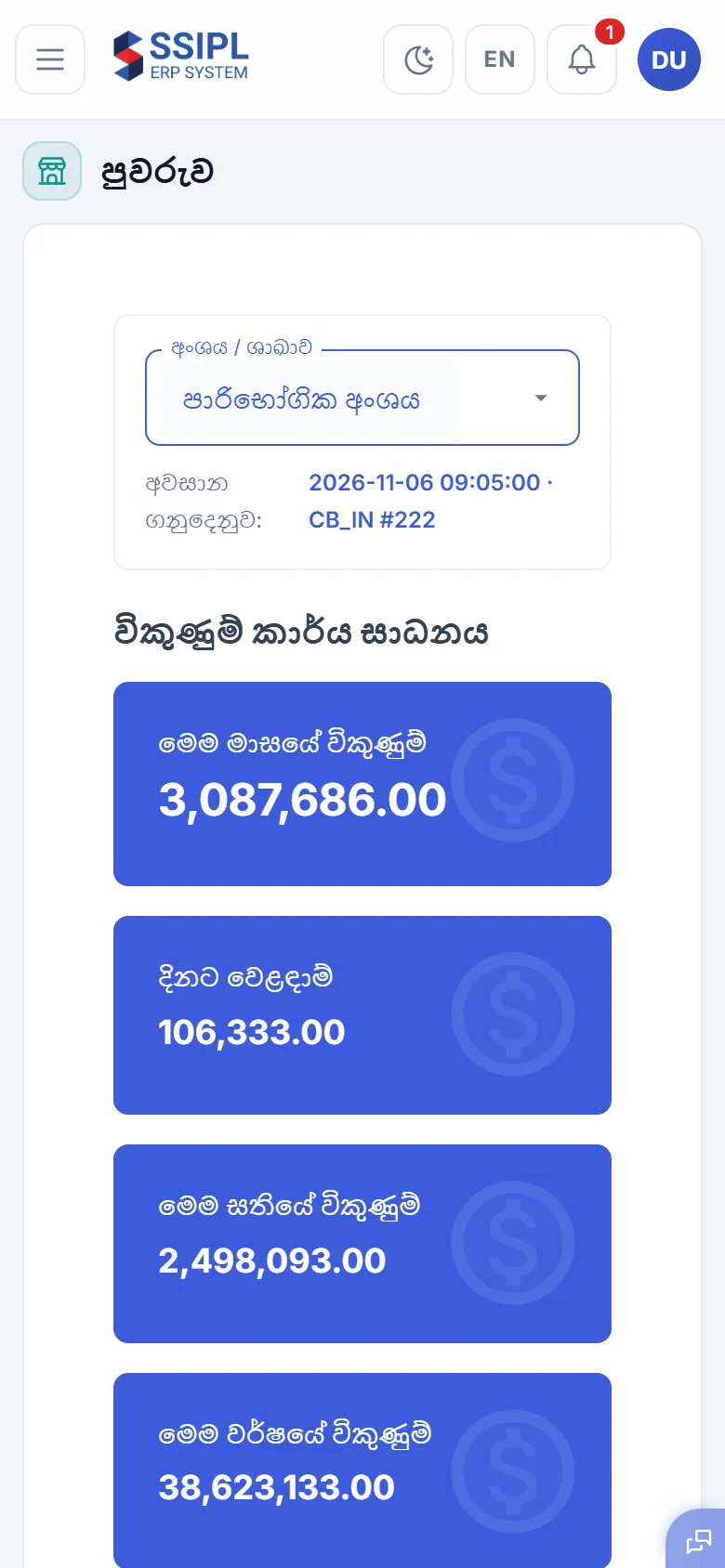
Branch sales and stock
Each branch sells on its own POS, which keeps working when the internet drops and sends the day's work to head office when it is back.
- Daily F15 stock and F9B sales summaries for every branch
- Goods received (F16), branch transfers (F18), returns (F19), price changes and stock takings
- Head office checks, corrects and authorizes each branch transaction before the day is closed

Accounting and vouchers
Payments, receipts and petty cash follow the paper forms the society already uses, with every signature recorded.
- F5 payment vouchers, approved at four levels before they are paid
- Cashbook receipts (F10), petty cash (F3), bank deposits and purchase advances
- Date range reports by division, ledger, branch and payment mode

Members and shares
The member register of the society, by regional branch, with shares and the decisions that need approval.
- Member records, share assignments and transfers between regional branches
- Deactivation and branch changes go through authorization
- Dividends, elections and welfare membership

Human resources
Employee records for every branch and division, with changes approved before they apply.
- Employee profiles, documents and employment types
- Amendments to an employee's record, approved before they take effect
- Resignations, retirements and staff reports

Time and attendance
Attendance, leave and overtime, taken into payroll without retyping.
- Rosters, shifts and employee groups
- Leave requests and approvals, overtime and no-pay days
- Attendance processed per day and per month
Payroll
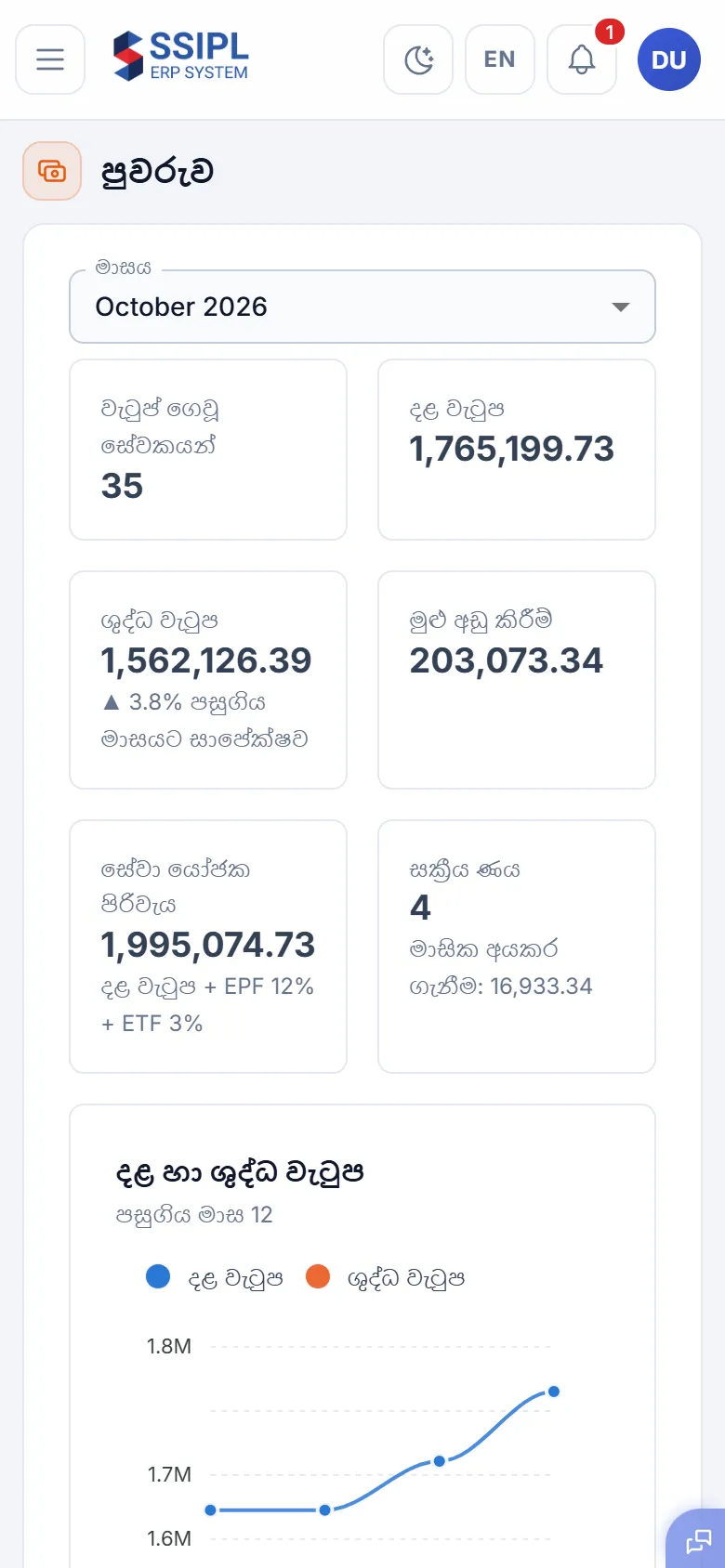
Monthly salaries worked out from the employee master, attendance and the month's additions and deductions.
- B/R allowances, EPF (8% / 12%), ETF (3%), PAYE and pension
- Loan recoveries and salary advances deducted automatically
- Pay slips, payroll reports and the F5 voucher for each division's salaries

Loans and bank facilities
The society's bank loans, TOD and OD facilities in one place, with what falls due next.
- Loan schedules and repayments by bank and account
- TOD and OD limits, usage and what is still available
- Bank account positions and payments due in the next 30 days

Transport (F29)
The society's vehicles and drivers, their trips, fuel and servicing.
- Vehicles, drivers and transport requests
- Trip sheets (F29) and fuel issues
- Service schedules by kilometres, and maintenance costs

Items, suppliers and customers
One item master for every branch, so prices and stock mean the same thing everywhere.
- Items with categories, brands, units and barcodes
- Suppliers, agents and credit customers
- Stock and item movement reports

F28 monthly reports
The month-end work that leads to the F28 report book, task by task, with what is done and what is still open.
- Each month-end task followed from the data itself: branch transactions, vouchers, payroll, transport
- Trading accounts, expense analysis and the other F28 reports
- The whole F28 report book in one go, ready to print

Social network and chat
A private social network for the organization's staff, with groups and person-to-person chat.
- Posts, comments and reactions, seen only inside the organization
- Public and private groups for branches, divisions and committees
- Chat with anyone in the organization
Also included: Fixed assets, with asset stock taking and depreciation · Chit funds · Gift vouchers · Welfare · Organization chart of divisions and branches · Audit log of every change
Built around how a society works
Made for co-operatives
Divisions, regional branches, head office checks and the F-forms are built in, not configured on top of a generic system.
Every change is approved and logged
Vouchers, amendments and corrections carry who prepared, checked and approved them, and when.
Sinhala and English
Each user picks the language. Reports print in Sinhala, as the society files them.
Runs on what you have
A browser is enough - including older office PCs and phones. Branch POS keeps selling offline.
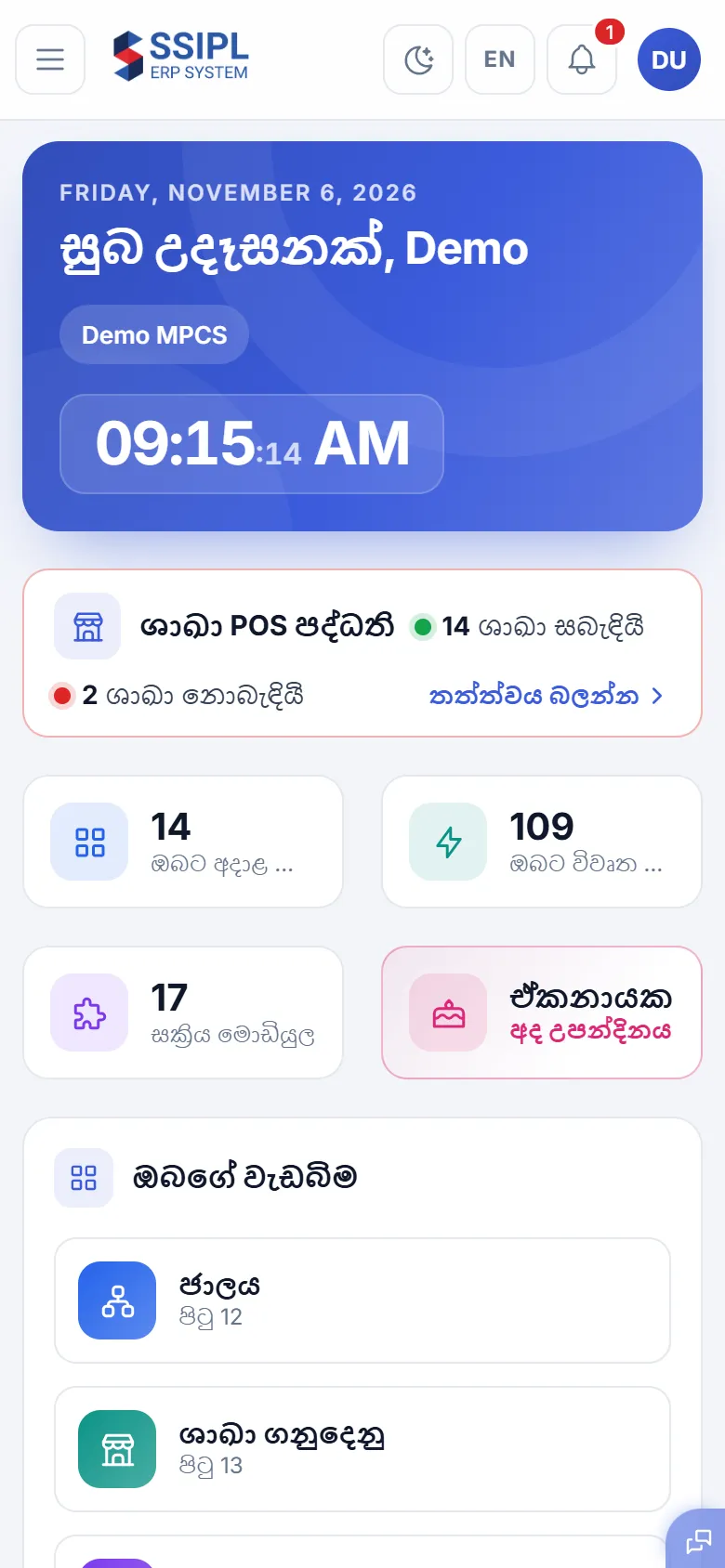
On a phone too
The same system in a phone's browser - for a manager away from the office, or a quick look at the day's sales. Nothing to install.
Common questions
Something else? Call +94 71 647 4842 or email info@ssipl.lk.
Who is SSIPL ERP for?
Multi-purpose co-operative societies (MPCS) and businesses in Sri Lanka with several branches or divisions - a head office with shops, fuel stations, stores, mills or other units under it.
Does it work in Sinhala?
Yes. Each user chooses Sinhala or English, and the reports the society files are printed in Sinhala.
Do branches need a constant internet connection?
No. The branch POS keeps working offline and sends its transactions to head office when the connection is back. The rest of the system runs in the browser.
What do we need to use it?
A computer or phone with a web browser. Branches with a POS also run the SSIPL POS software on their counter PC.
Which parts can we use?
The modules are switched on per organization: branch sales and stock, accounting, members, HR, attendance, payroll, loans, transport, inventory and assets.
How do we see it working?
Request a demo with the form on this page or call +94 71 647 4842. We show it with sample data of a co-operative society.
Request a demo
Tell us about your society or business. We will call you to arrange a demo with sample data.
- Phone
- +94 71 647 4842
- info@ssipl.lk
- Office
- Colombo, Sri Lanka
- Hours
- Monday to Sunday, 7.00 am to 10.00 pm